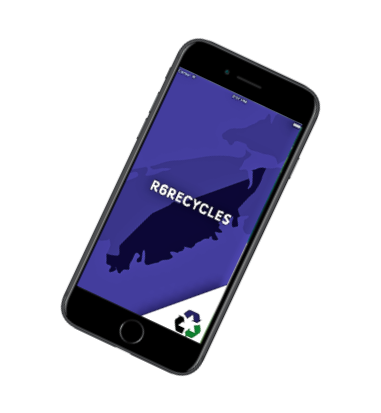
R6Recycles Waste App Notifications

If you haven’t been receiving collection notifications through the R6Recycles Waste App and have installed it on your device:
▪️Delete the R6Recycles App, then reinstall it.
▪️Once reinstalled, type in your civic address
▪️Select “Get a Reminder” to choose how you’d like to receive your reminders
Reminders may also be set up by visiting the www.southshorewaste.ca website homepage:
▪️Type in your civic address using the “Online Collection
Calendar”
▪️Select “Get a Reminder” to choose how you’d like to receive your reminders
The transition to new waste collection routes may have disrupted collection notifications which were already set up.